
APK files give Android users another way to install applications outside the Google Play Store. This can be useful when an application is unavailable through the Play Store or when a developer distributes a specific version directly.
However, downloading an APK also requires more care. Unlike an application installed directly through an official store, an APK obtained from an unknown website may carry additional security risks.
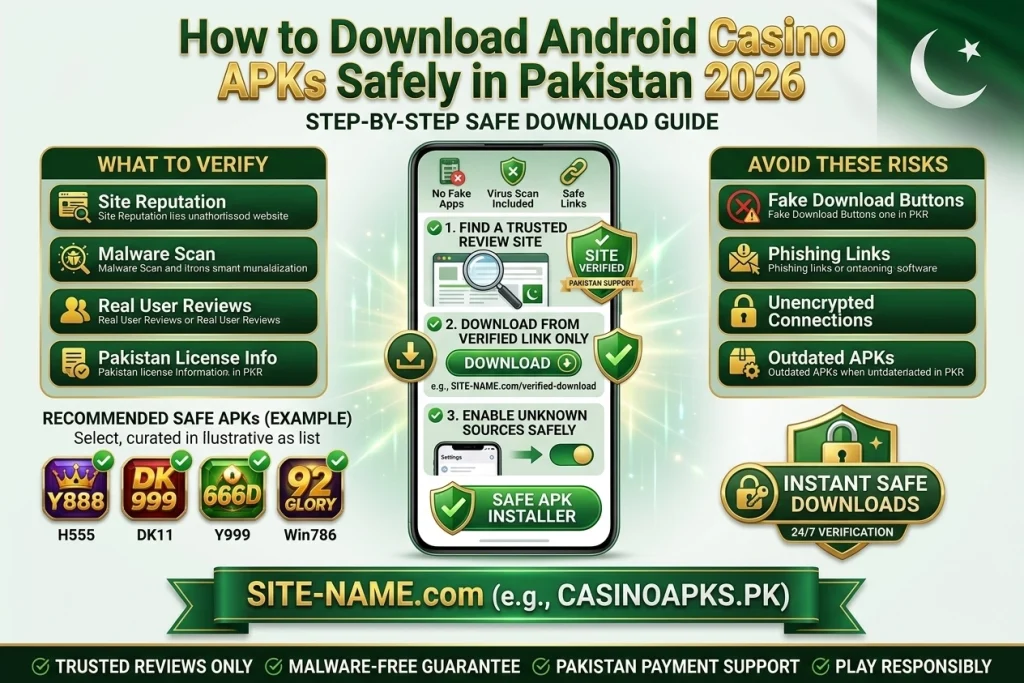
This guide explains what Pakistani Android users should check before downloading and installing an APK.
What Is an APK?
APK stands for Android Package Kit. It is the file format used to install applications on Android devices.
When you download an APK, you are essentially downloading the installation package for an Android application.
The file itself is not automatically dangerous. The important question is where the file came from and whether it has been modified.
Why Do People Download APK Files?
There are several reasons users may look for APK files.
- An app may not be available in their region.
- A specific version may be required.
- A developer may distribute the application directly.
- The Play Store version may not be compatible with a particular device.
- Users may want to install an application that is not listed in the Play Store.
The reason for downloading matters less than verifying the source.
How to Check an APK Website
Before downloading, look at the website carefully.
Check the Domain
Make sure the website address is spelled correctly.
Fake websites sometimes use domains that look almost identical to legitimate websites.
Look for Contact Information
A professional website should normally provide some way to contact its administrators.
Check the About Page
Look for information about who operates the website and what type of content it publishes.
Look for a Privacy Policy
A privacy policy does not prove that a website is safe, but its absence can be a reason to investigate further.
Check the APK Information
Before clicking Download, look for:
- App name
- Version
- File size
- Update date
- Android compatibility
- Developer information
- Package name where available
If the website says an APK is 20 MB but the downloaded file is 300 MB, stop and investigate before opening it.
Check Android Permissions
Permissions can provide useful clues.
For example, a simple game may reasonably need network access. But users should question why an unrelated application requests access to contacts, SMS messages, microphone, or other sensitive functions.
Permissions alone cannot prove that an app is malicious, but unusual permissions deserve attention.
Scan the APK
A security scanner can provide an additional layer of protection.
Upload or scan the APK using a reputable security service before installation when possible.
No scanner can provide an absolute guarantee, so scanning should be combined with checking the source and application details.
How to Install an APK
If you have verified the source and still want to install the file:
- Download the APK from the intended source.
- Open your Android download folder.
- Tap the APK file.
- If Android asks for permission to install from that source, review the setting carefully.
- Install the application.
- Open the app and review its permissions.
- Remove the APK installer file afterward if you no longer need it.
The exact menu names can differ depending on the Android version and phone manufacturer.
Avoid Modified APKs
Modified APKs are versions that have been changed from the original application.
Some modified files may claim to provide unlimited coins, unlocked features, or other benefits.
These files can carry additional risks because the user cannot easily determine what was changed.
For financial or account-based applications, using an unofficial modified version is particularly risky.
APK Download Mistakes to Avoid
Do not click every Download button on a page.
Some websites place advertising buttons next to the actual download link.
Avoid APK files sent through unknown social-media accounts or private messages.
Do not disable all phone security protections just because an installation fails.
Never enter your banking or wallet password into a suspicious application.
GamesVault’s APK Checklist
Before publishing or recommending an APK, GamesVault should check available information such as:
App name:
Version:
APK size:
Android requirement:
Package name:
Developer:
Update information:
Permissions:
Source:
Security scan:
If information cannot be verified, the article should say so instead of presenting an assumption as fact.
Final Thoughts
APK files are a normal part of the Android ecosystem, but downloading them requires more responsibility than installing an application through an official store.
Always investigate the source, check the file information, review permissions, scan the APK where possible, and avoid modified versions from unknown sources.
A few minutes of checking can prevent much bigger problems later.